Quadruped Assembly#
Chapter 13 drives an 8-servo quadruped from your own OS.
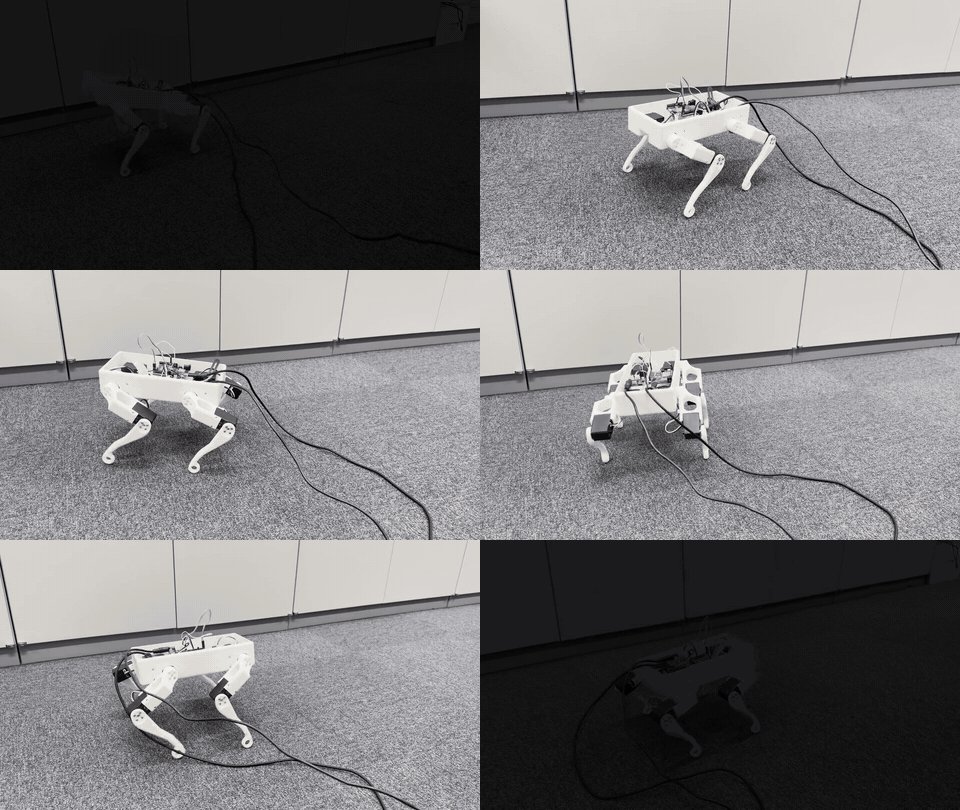
The quadruped walking on your own OS, driving 8 servos (1.5x speed)#
Item |
Qty |
Notes |
|---|---|---|
FEETECH STS3215 serial bus servo (12V) |
8 |
|
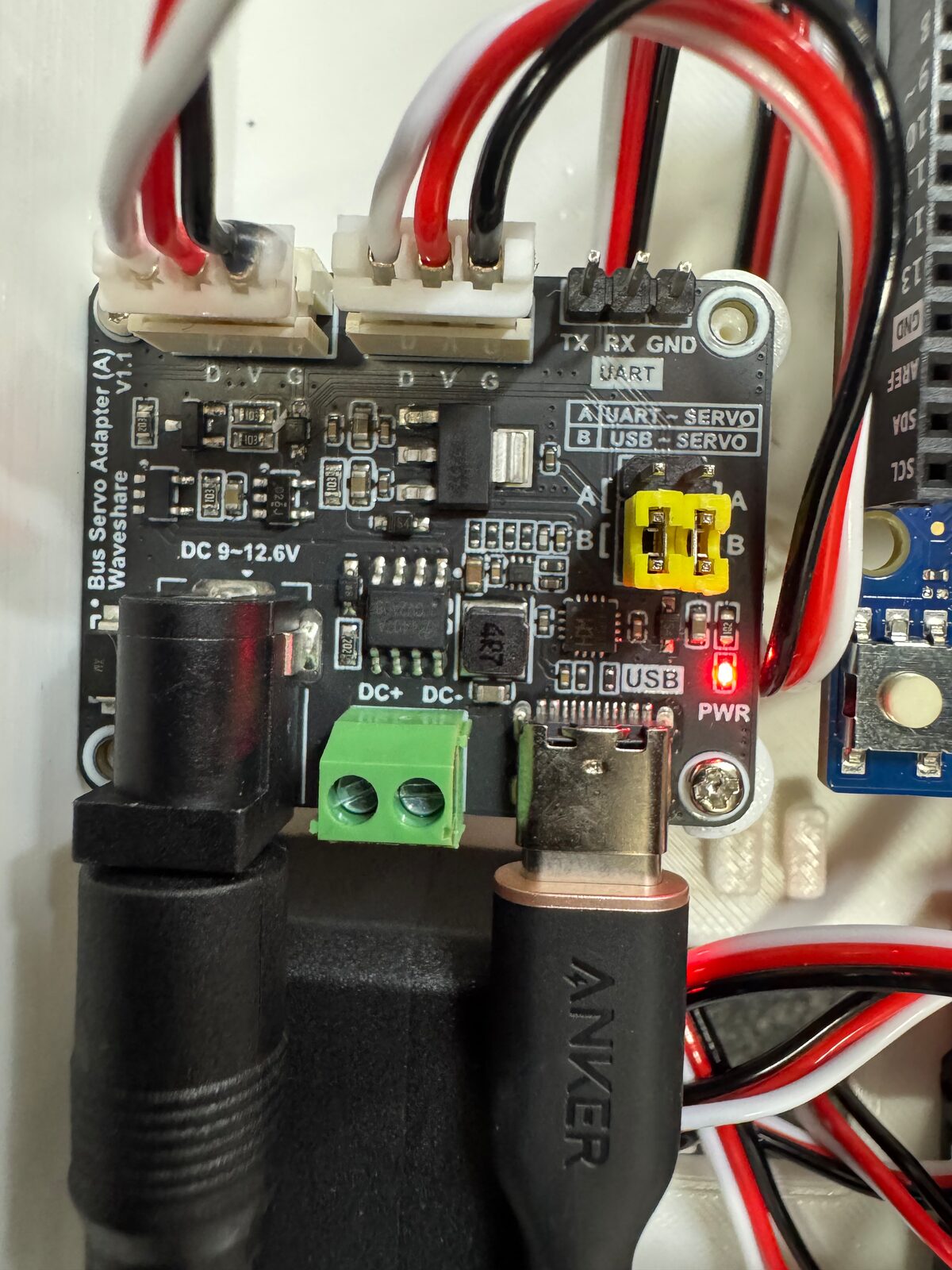
Bus servo driver board (Waveshare 25514) |
1 |
|
12V 5A AC adapter |
1 |
enough for walking too |
3D-printed body & legs |
1 set |
STL downloads below |
Arduino UNO R4 WiFi |
1 |
8 STS3215 servos + driver board + power supply, about ¥35,100. Links to the shop pages, choosing a battery, and 3D-printing settings.
Step through the assembly as a 3D animation in the browser. A PDF version is available too.
The training side that did not fit in the book, with a MuJoCo (physics simulator) simulation of the trained policy (the learned neural network that decides how the robot walks) in the browser.
Retrain with different rewards or speed limits. Works end to end on Google Colab (Google’s service for running Python in the browser) on its free T4 (a GPU model) even without a GPU of your own.
Train the same task in a different physics simulator, Genesis, and walk the policy in MuJoCo in the browser (sim2sim), with the same policy measured in both simulators.
Put an IMU (a sensor for tilt and rotation rate) on the body and walk with a policy trained on it. It braces with its legs to recover from pushes and keeps standing while stopped.
A version built with KRS-3302 ICS servos and an RCB-4mini instead of the STS3215. Setting IDs with the Dual USB Adapter, aligning the zero point, assembling with the 3D viewer, and wiring on a single AC adapter or battery.
STL downloads#
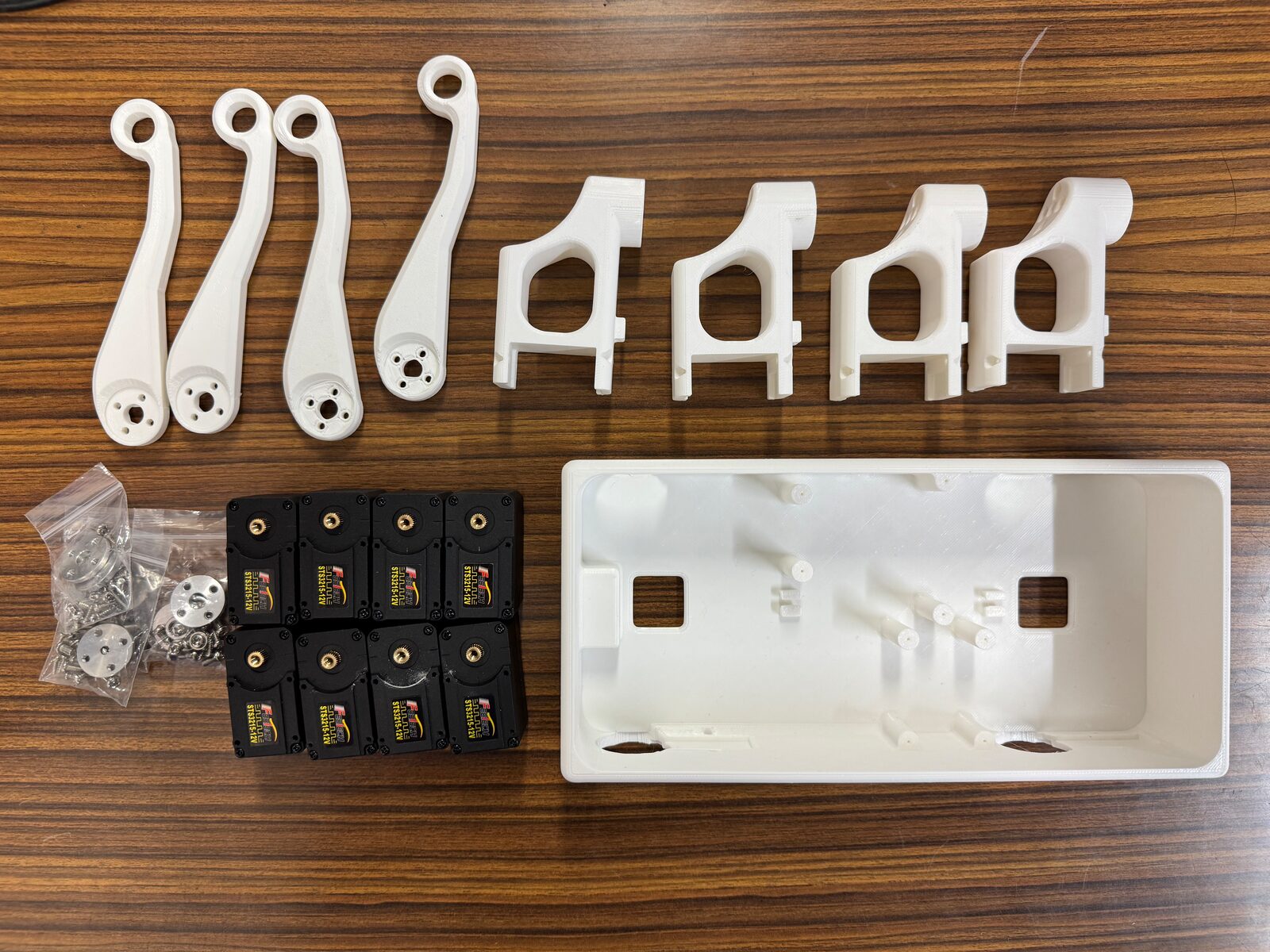
Print quantities: body ×1, bracket ×4, link ×4 (left and right legs use the same parts). Units are millimeters.
- body.stl (×1, 230 × 110 × 50 mm)
- bracket_outline.stl (×4, 128 × 52 × 12 mm)
- leg_link1.stl (×4, 80 × 52 × 26 mm)
- body.3mf — Bambu Studio project, body plate, author-tested settings (X1C, 0.28 mm, ABS)
- leg_parts.3mf — Bambu Studio project, all 8 leg parts
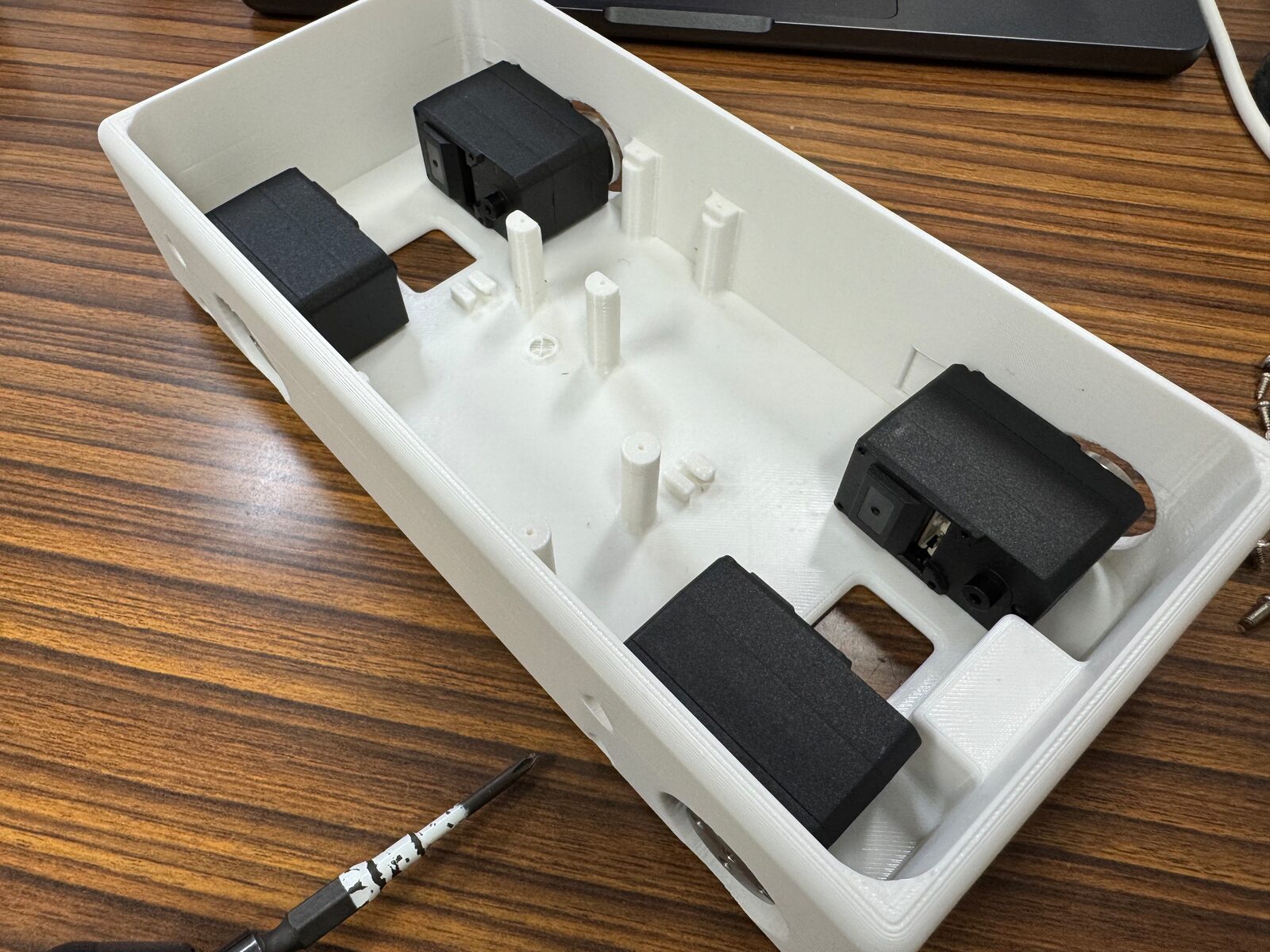
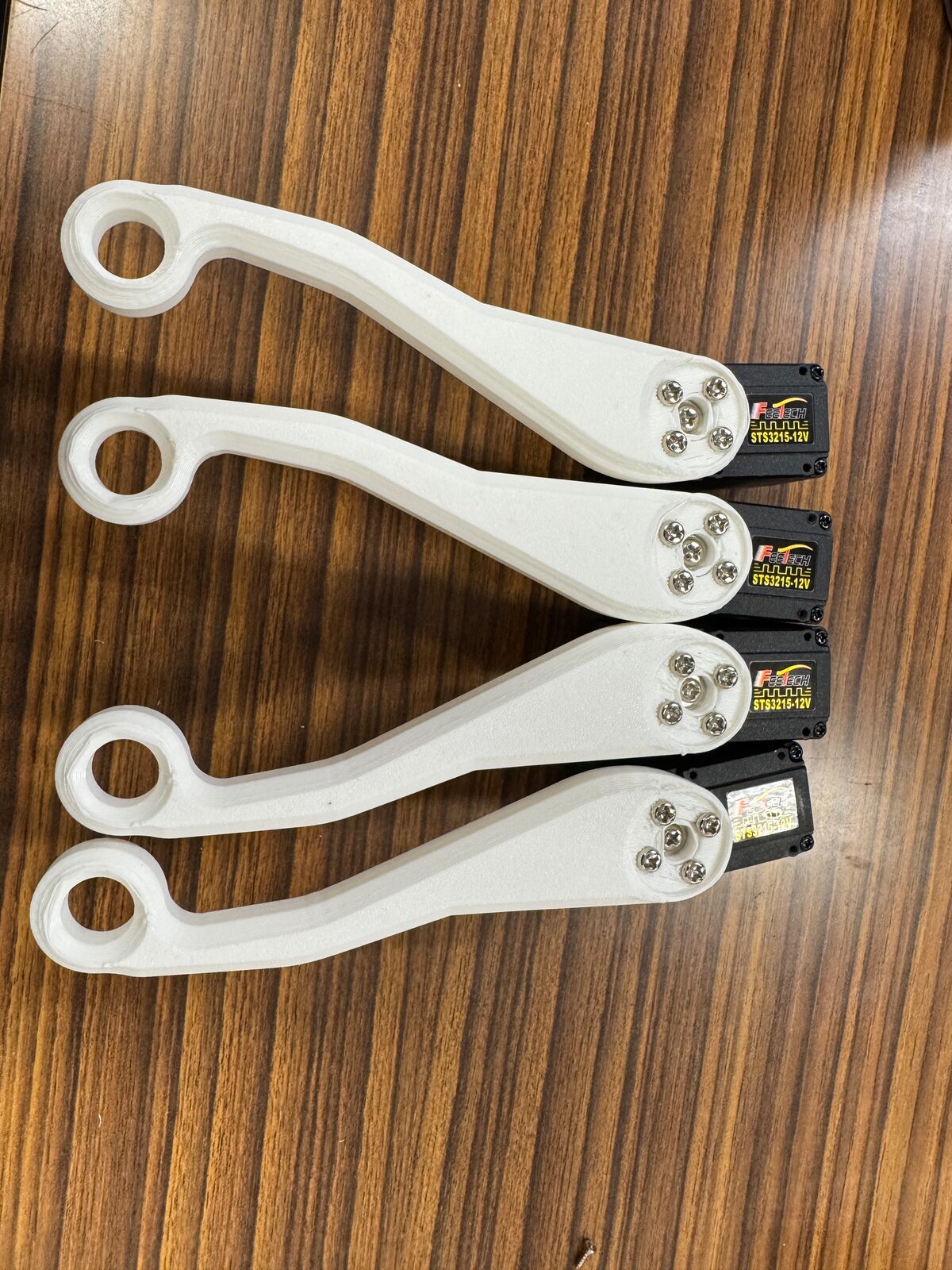
Photos#
Interactive assembly guide#
An interactive 3D assembly viewer shows every step as an animation: